|
<< Click to Display Table of Contents >> Editing Python Scripts without an IDE |
  
|
|
<< Click to Display Table of Contents >> Editing Python Scripts without an IDE |
|
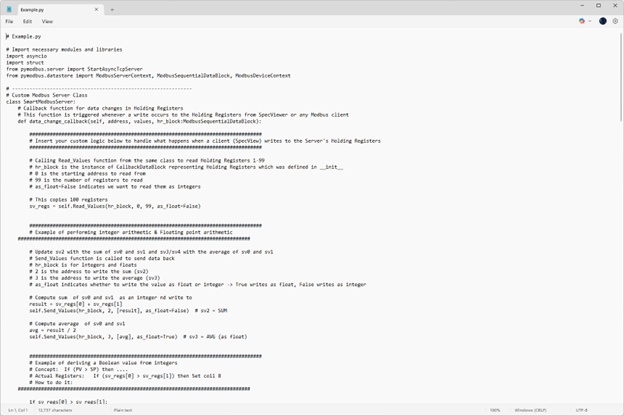
If users prefer not to use an Integrated Development Environment (IDE), they can edit the Python script using a simple text editor such as Notepad.
To do this, locate and open the script file in Notepad, make any necessary changes, and then save the updates.
When editing the script in Notepad, please ensure to adhere to Python’s syntax rules.
For example, correct indentation of code is very important. If the user incorrectly indents any part of the code, the script may fail to execute.
Once the updated script has been saved, users can execute it directly by double-clicking the file in File Explorer or running it from the Terminal.
This approach provides a straightforward alternative for modifying and running Python scripts without the need for specialized development tools.
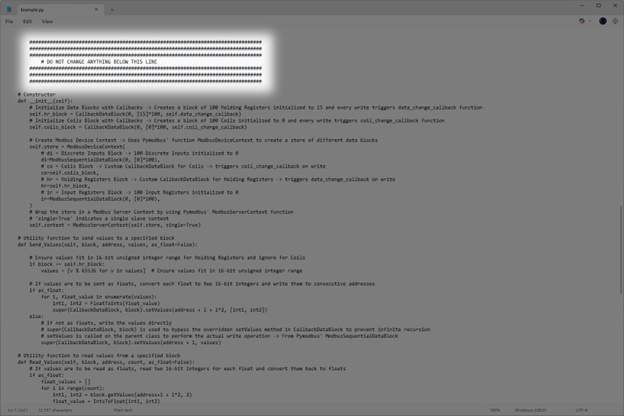
The script provides clear guidelines in comments for where users should and should not edit the script.
Please adhere to these guidelines for optimal functionality of the script.